How to delete a Group
Learn how to delete a group on INSIA
Last updated July 22, 2024
Watch our step-by-step video tutorial on how to delete a group, or follow the steps given below.
Steps:
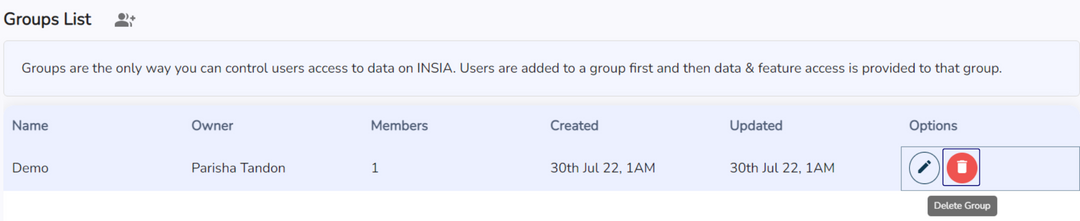
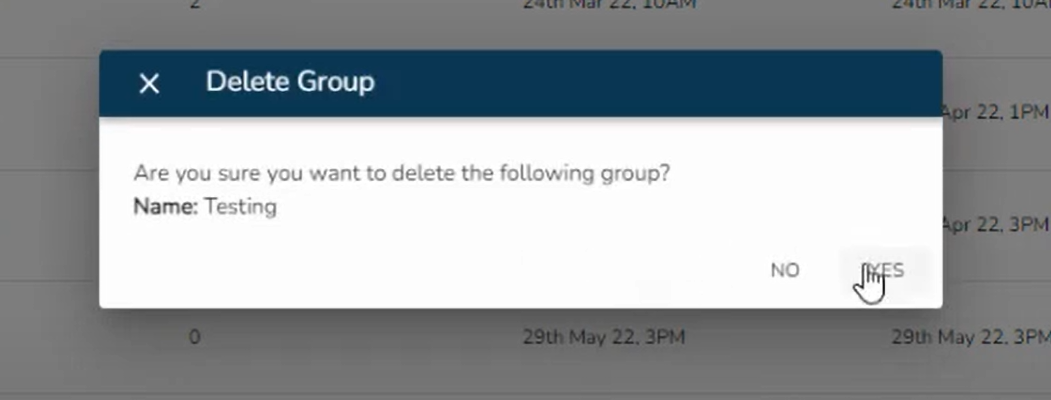
The delete group option is used to delete a particular group. To delete a group, simply click on the dustbin icon present at the end of the row that represents that particular group. It'll be be deleted from the system database and the groups list.