
Managing Data Access
Learn how to manage Data Access on INSIA's RBAC setup.
Last updated July 22, 2024
Watch our detailed video to learn more about managing Data Access on INSIA's RBAC setup.
The RBAC setup option on the admin portal has a box with a drop-down menu labeled 'Group name' on the top right corner. Select the group name from the dropdown to provide access, as shown below.
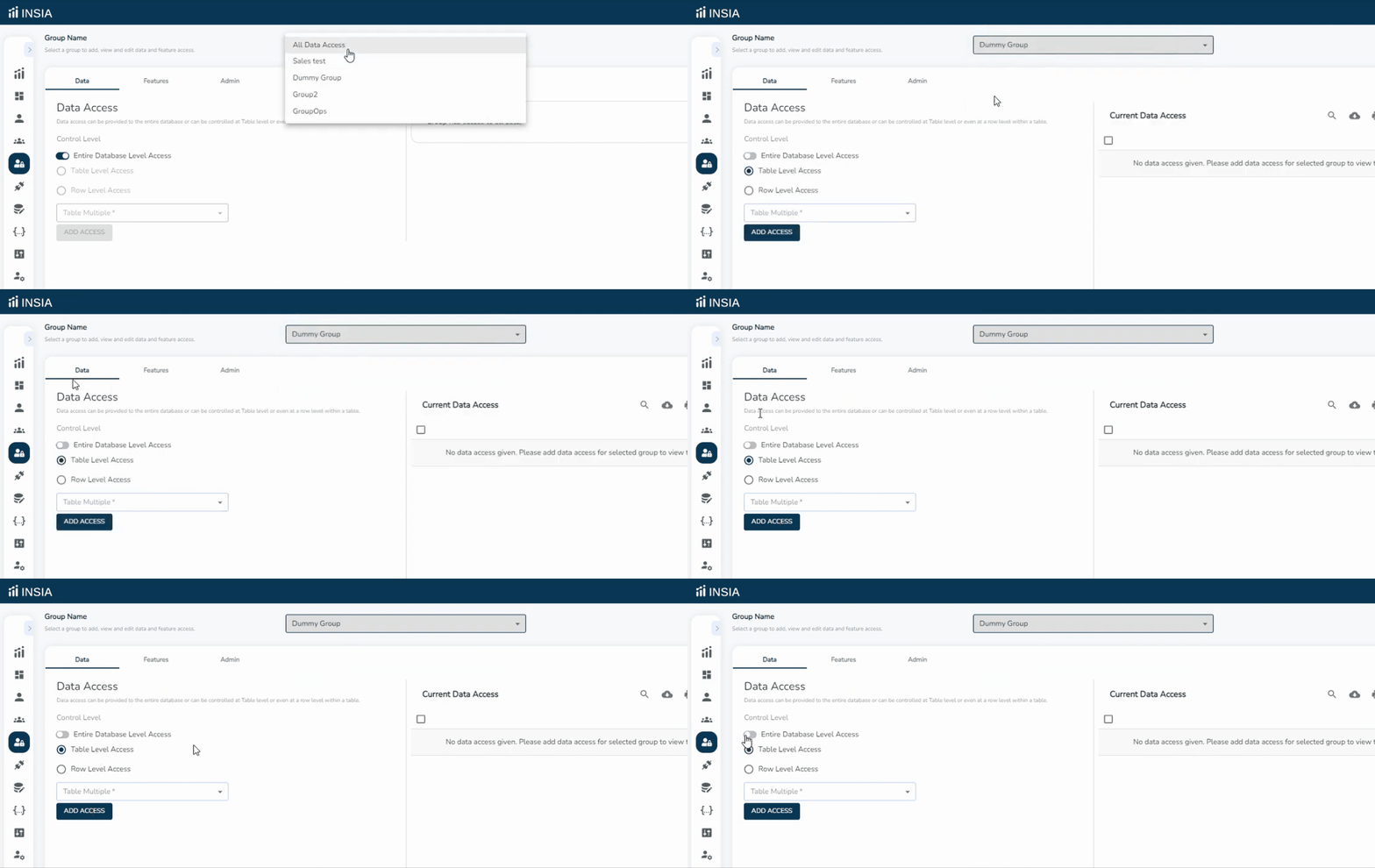
Here you will see three tabs on your screen- Data, Features and Admin. To manage data access, stay on the Data tab. The Data Access tab has several control levels that help the admin give access to users on different levels:
Entire database level access: Gives access to the entire database
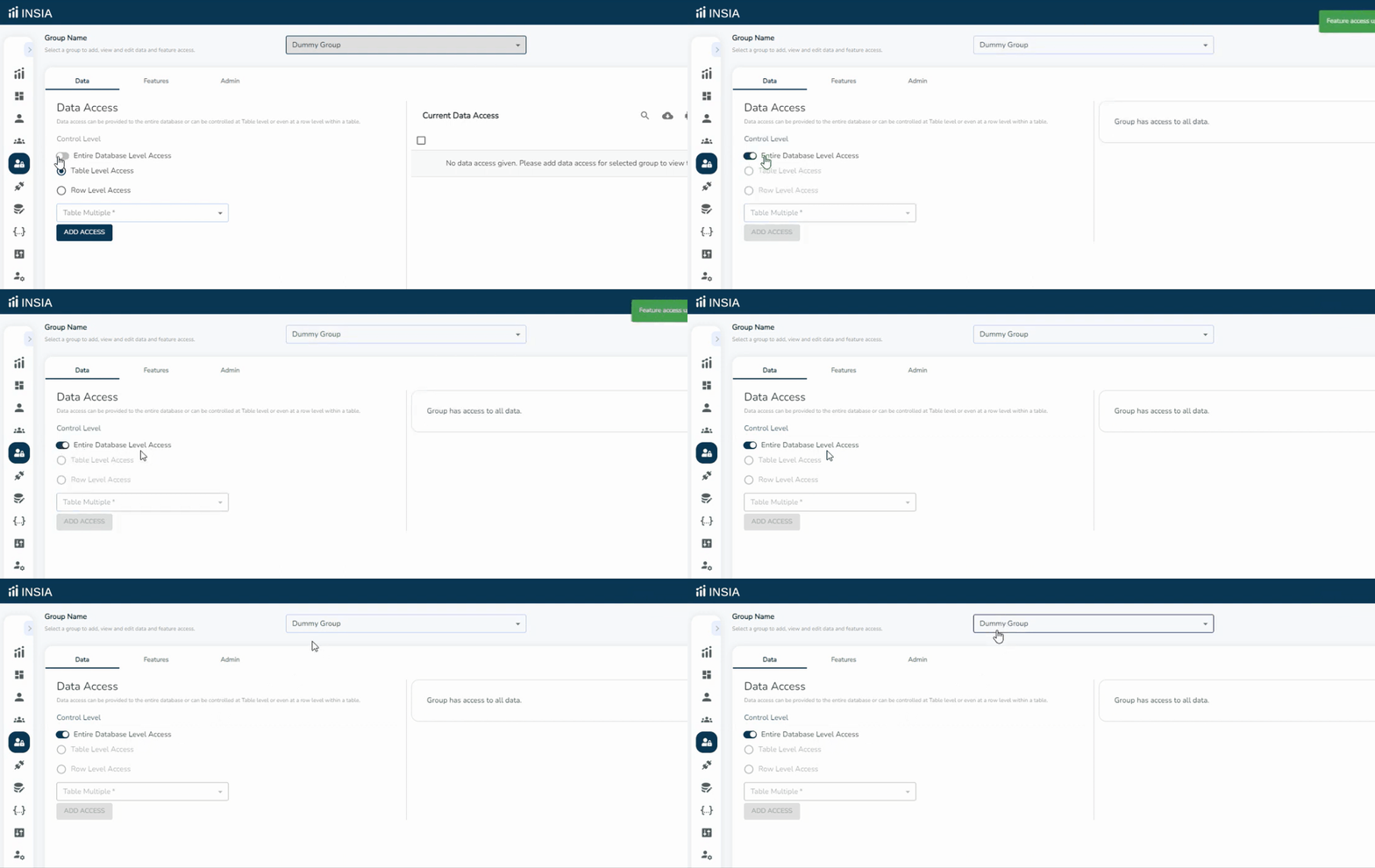
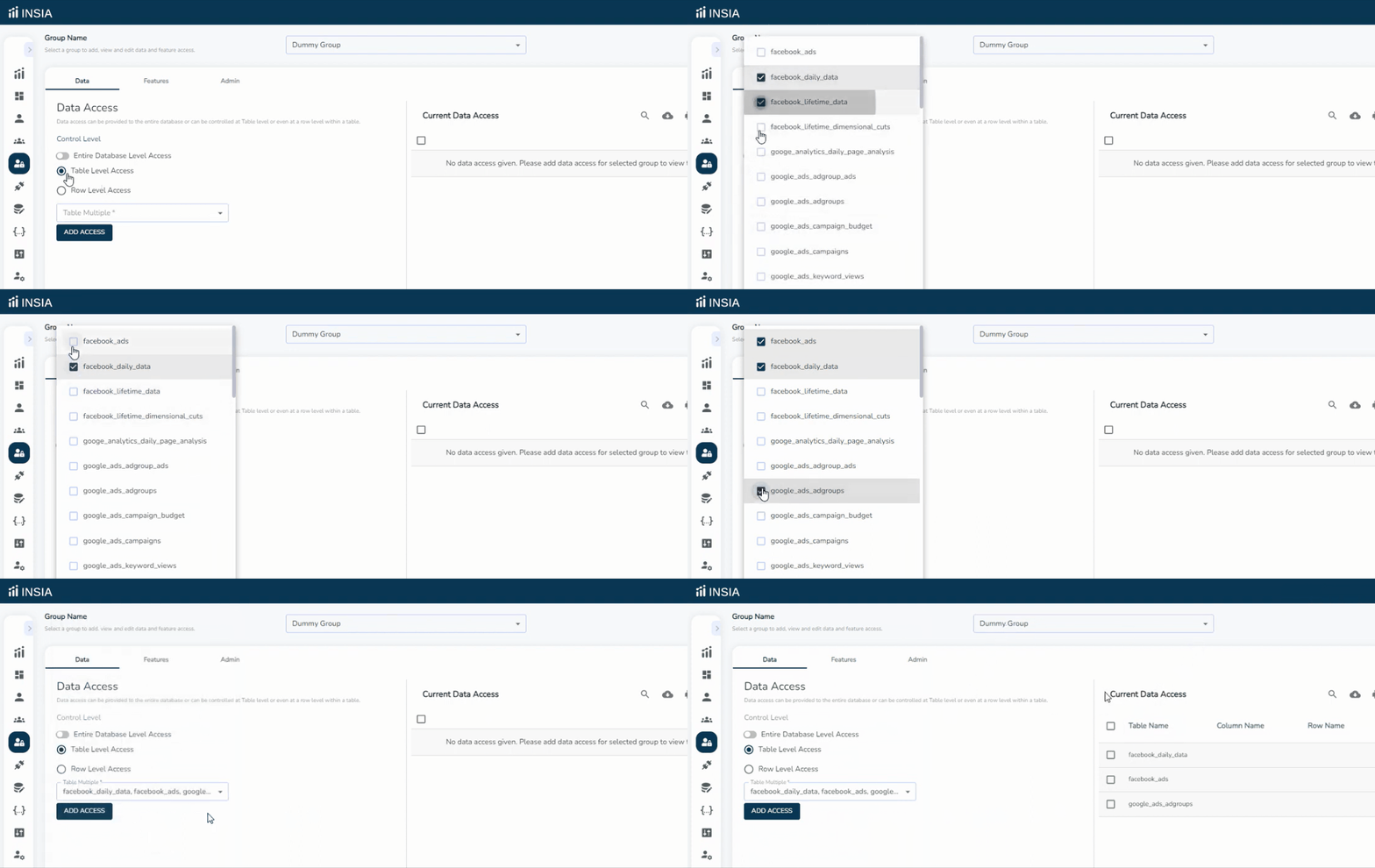
Table level access: Gives access only to certain tables
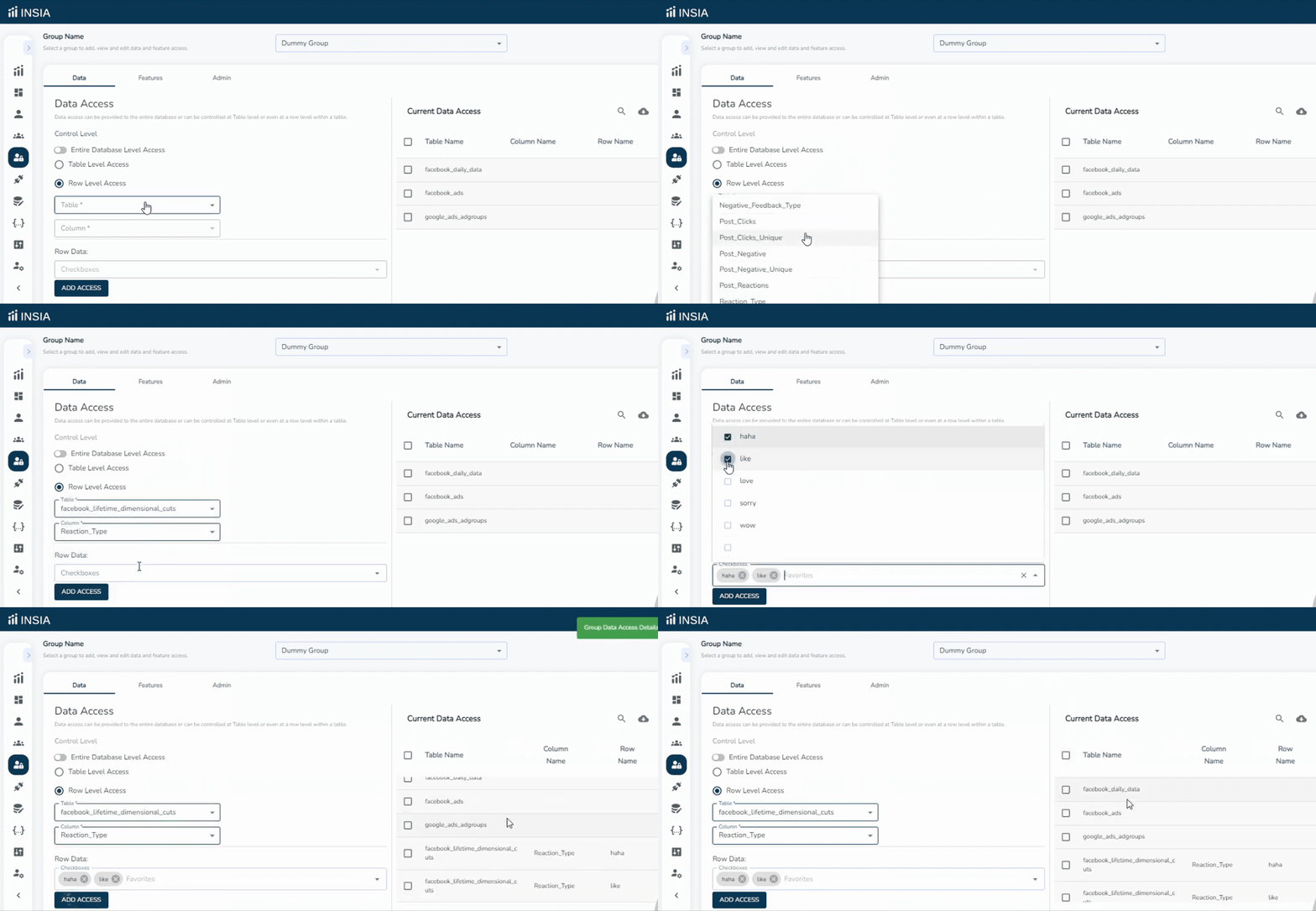
Row-level access: Gives access to only selected rows of selected tables
Related Articles: